< was doing cpu vs cpu on like default profile quality setting for 1080 and just drag the speed to slow from fast or whatever stock was
might have to look up their quality number lol probable different number/scale thats non relative maybe?, did same test file was really small was like 264<265<<av1 as far as smallest size file av1 being about double the gap between 264 and 5 being slow and av1 just default ‘6’ was quality 22 for the test based of the hq 1080 or whatever
edits: doin an example from a shortish test file with the newer queue can see the stuff, but all same 22 quality, just set to slow for 264/5 av1 trying 5 and 4 instead of the default 6, and then the gpu ones did quality instead of balanced/performance or whatever, but so far somehow the 264 somehow smaller than the 265 same both cpu, same speed/no other tuning settings or anything tapped
edit:
skipped 4 since 5 was already taking by far the longest and still did worse
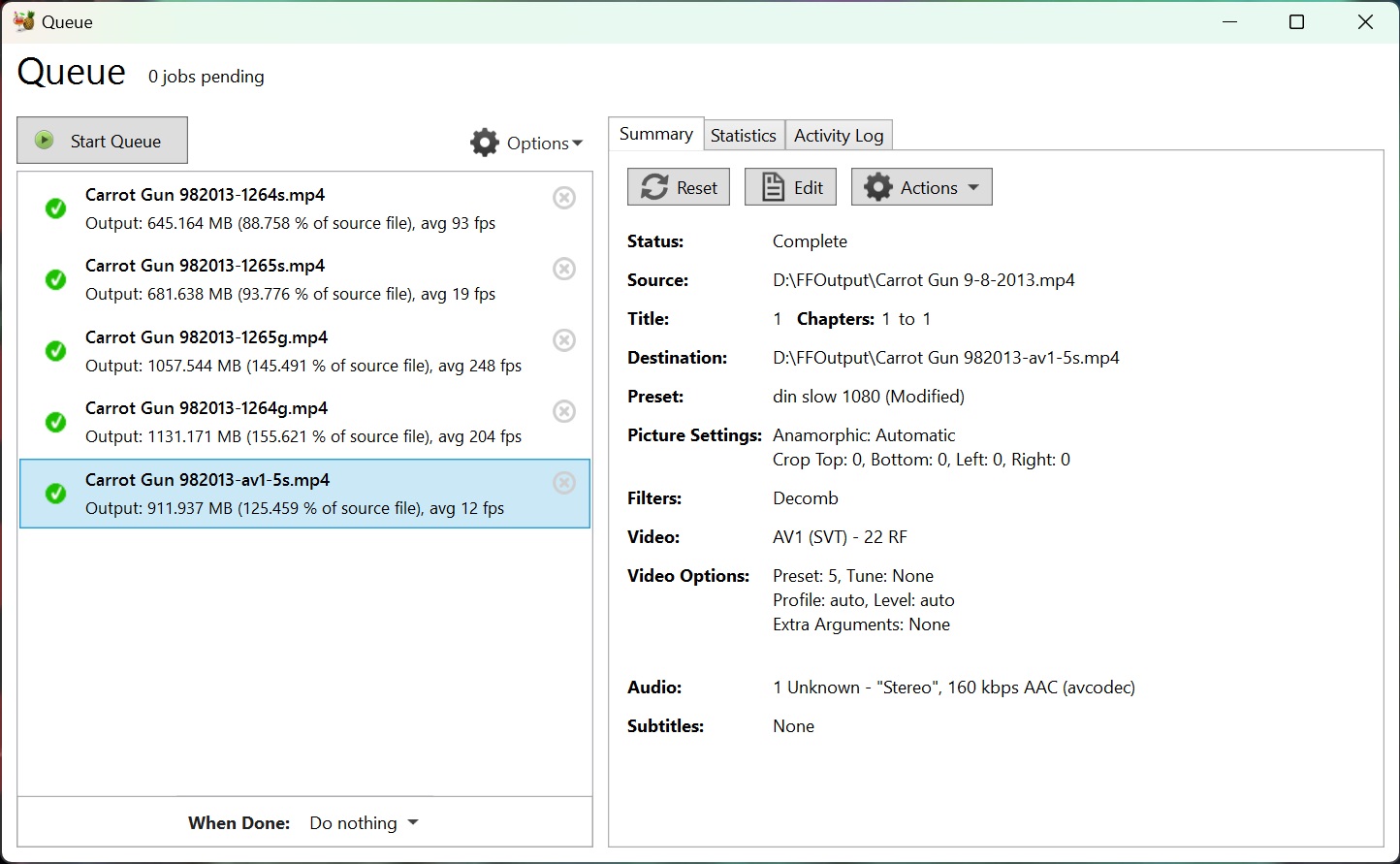
least from memory thought it was with 265 you could bump it to like 24 or something instead of 22 and then the file would start to become smaller obviously
oh yeah lol: 264s is 264 slow, 265s 265slow, g is the gpu set to quality
if do 24 instead of 22 for 265 then little bit smaller then 264s 22, and little bit faster than the 22 265
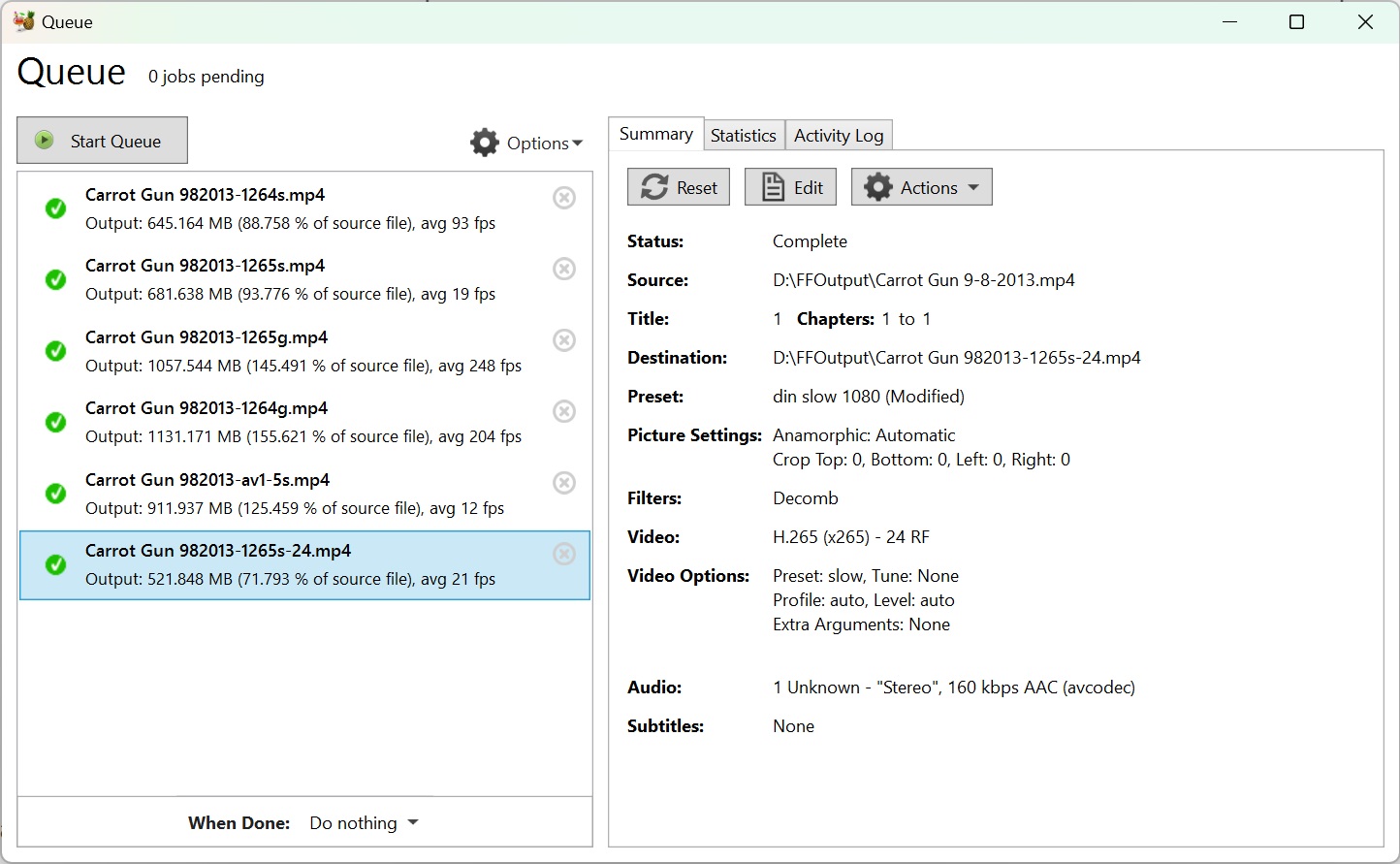
atleast its the right direction but is still in the land of diminishing returns for me :x
tried 25 seemed to be pretty good visually looked really similar and was like 60% the size. no idea for av1 though prob similar gotta try different constant quality settings